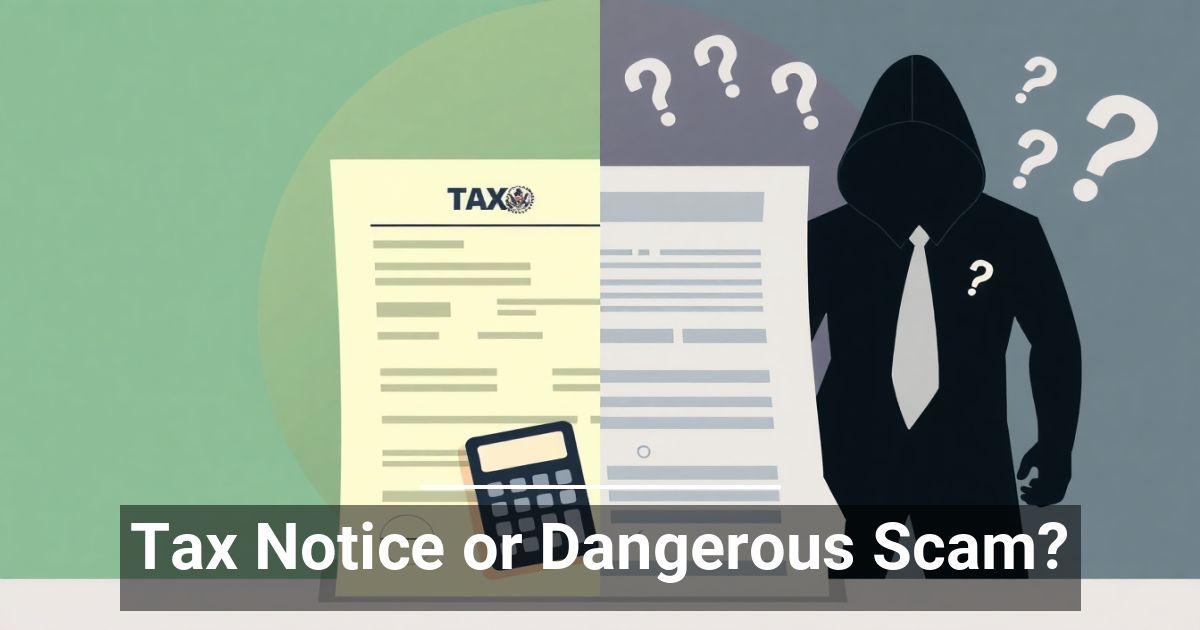
Would your employees recognize a fake tax notice before clicking on it?
Cybercriminals know that messages involving taxes, invoices, and government agencies create a sense of urgency. That's exactly why tax-related phishing scams continue to be one of the most effective ways attackers gain access to business networks.
Researchers recently uncovered a phishing campaign that used fake tax assessment notices to trick victims into installing malware. While the campaign primarily targeted organizations outside the United States, the tactics are identical to the scams businesses everywhere receive every day.
The lesson is simple: if someone can convince an employee to click the wrong link, they may not need to hack your systems at all.
How the Tax Notice Scam Works
Like many phishing attacks, this one relied on creating panic.
The email appeared to come from a government tax authority and warned recipients about an outstanding tax assessment. It included official-looking language, references to legal penalties, and urged immediate action.
Victims who clicked the link were taken to a fake government website designed to look legitimate. They were then prompted to download what appeared to be tax documents.
Instead of opening tax records, the download installed malware that gave attackers remote access to the victim's computer.
Once installed, attackers could:
- Monitor activity
- Steal passwords and sensitive information
- Access business files
- Move throughout the network
- Maintain long-term access without the user's knowledge
The email itself wasn't the danger. The danger came from trusting it.
How to Spot a Fake Tax Notice
Even if your business isn't expecting communication from a tax agency, it's important to know what phishing emails often have in common.
Watch for emails that:
- Claim immediate action is required to avoid fines or legal consequences
- Create unnecessary urgency or pressure
- Come from unfamiliar or suspicious email addresses
- Ask you to download attachments or click links
- Request banking information, login credentials, or other sensitive data
- Use generic greetings instead of addressing you personally
- Contain spelling, grammar, or formatting mistakes
Attackers have become much better at creating convincing emails, especially with AI helping them write professional-looking messages. That makes verifying unexpected requests more important than ever.
How to Protect Your Business
Technology can block many phishing attempts, but no security solution catches every malicious email. That's why cybersecurity requires both the right tools and informed employees.
Here are a few best practices every business should follow:
Verify Before You Click
If you receive an unexpected tax notice, invoice, or government communication, don't use the links in the email.
Instead, visit the organization's official website directly or contact them using a verified phone number to confirm whether the notice is legitimate.
Train Employees to Recognize Phishing
Employees remain the first line of defense against phishing attacks.
Regular security awareness training helps your team recognize suspicious emails, slow down before responding, and report questionable messages before they become security incidents.
Limit Access to Sensitive Information
Not every employee needs access to financial systems or confidential tax records.
Following the principle of least privilege limits the damage if an account is compromised and helps protect sensitive business information.
Use Modern Email Security
Advanced email filtering, multi-factor authentication (MFA), endpoint protection, and continuous monitoring add important layers of defense against phishing attacks.
While no security solution is perfect, combining multiple security controls significantly reduces your risk.
Stay Vigilant During Tax Season—and All Year Long
Tax season creates opportunities for cybercriminals because businesses are expecting financial communications. But these same tactics are used year-round with invoices, payroll updates, package deliveries, vendor requests, and Microsoft 365 notifications.
The best defense isn't simply having good cybersecurity software. It's building a security-aware culture where employees know how to recognize suspicious messages before they become costly incidents.
Protect Your Business from Phishing Attacks
At Ironside IT Partners, we help businesses throughout South Jersey, Greater Philadelphia, and Delaware reduce cyber risk with managed IT services, advanced email security, employee security awareness training, and proactive cybersecurity monitoring.
If you're concerned about phishing attacks or want to evaluate your current security posture, schedule a discovery call to learn how we can help keep your business protected.